CasinoCanada launches My Account: your profile, tournaments, and notifications in one place
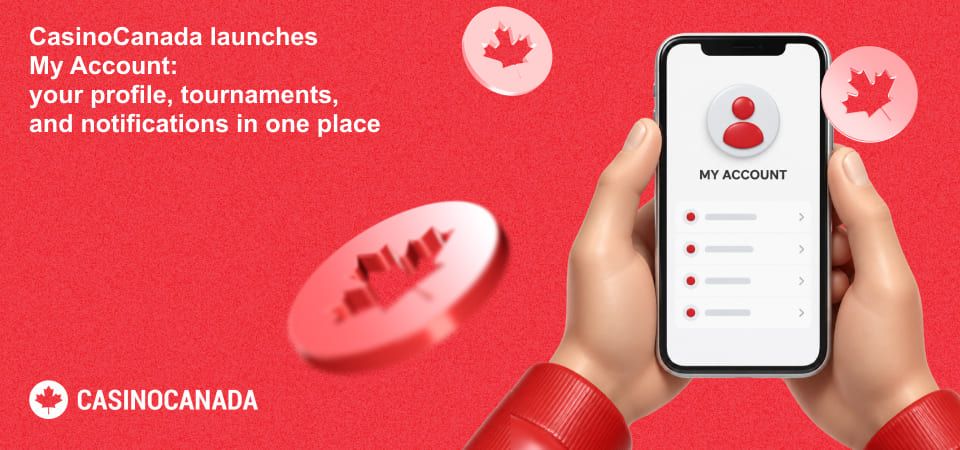
CasinoCanada.com has launched My Account, a personal area for registered users that brings profile settings, tournament history, prize preferences, and notifications together in one place.
Until now, creating an account was mostly about accessing individual features such as our free social slot tournaments. My Account gives that login a proper home and makes it easier to keep track of what you've done across CasinoCanada.
Here's what's inside.
Manage your profile and account
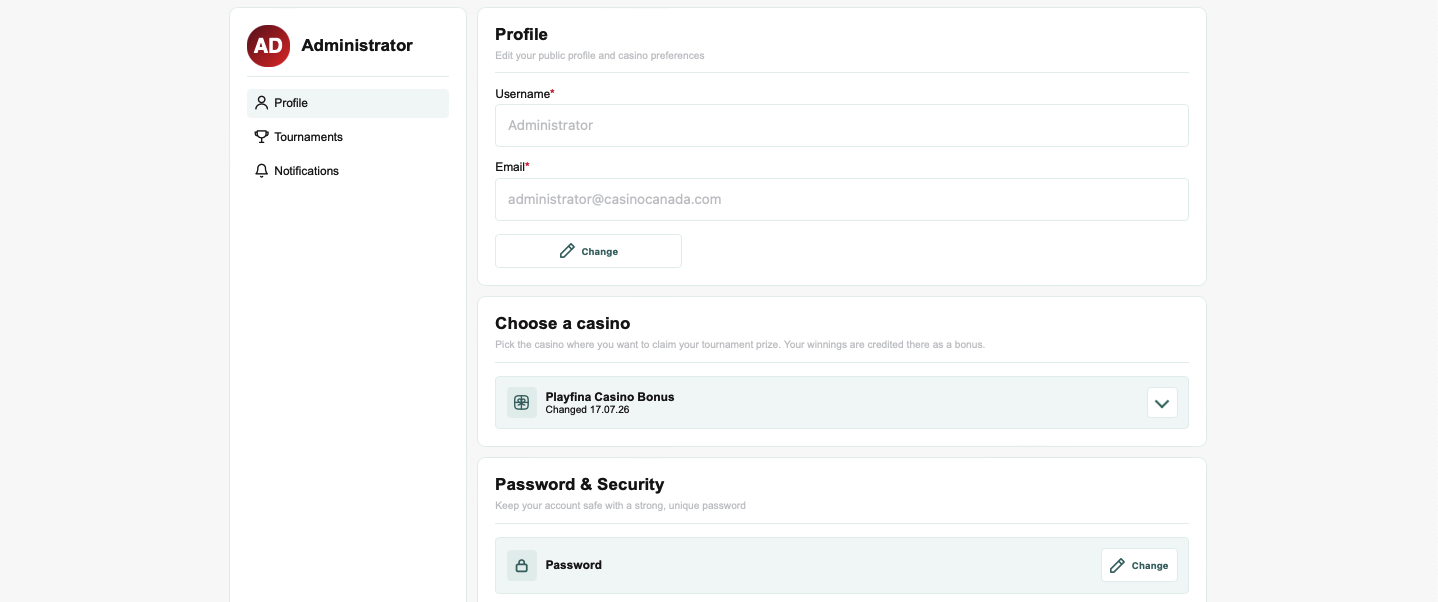
The Profile section gives you one place to check your account details and manage the settings connected to your CasinoCanada profile.
You can view your username, update your email address, and change your password without leaving the account area.
We've kept the layout deliberately simple. Most information stays in view mode until you choose to edit it, so there are fewer fields and controls competing for attention when you just want to check something.
My Account is available only to logged-in users.
Choose where you want your tournament prize
If you take part in our free social slot tournaments, there's now another useful setting inside your profile.
You can choose the partner casino where you want an eligible tournament prize to be credited as a casino bonus. Current options include Playfina Casino, Asino Casino, and Spinline Casino.
That choice can be changed directly from My Account, so you don't need to set your preference again every time you enter a competition.
It's a small feature, but it removes an unnecessary step between finishing a tournament and receiving a prize.
See your tournament history
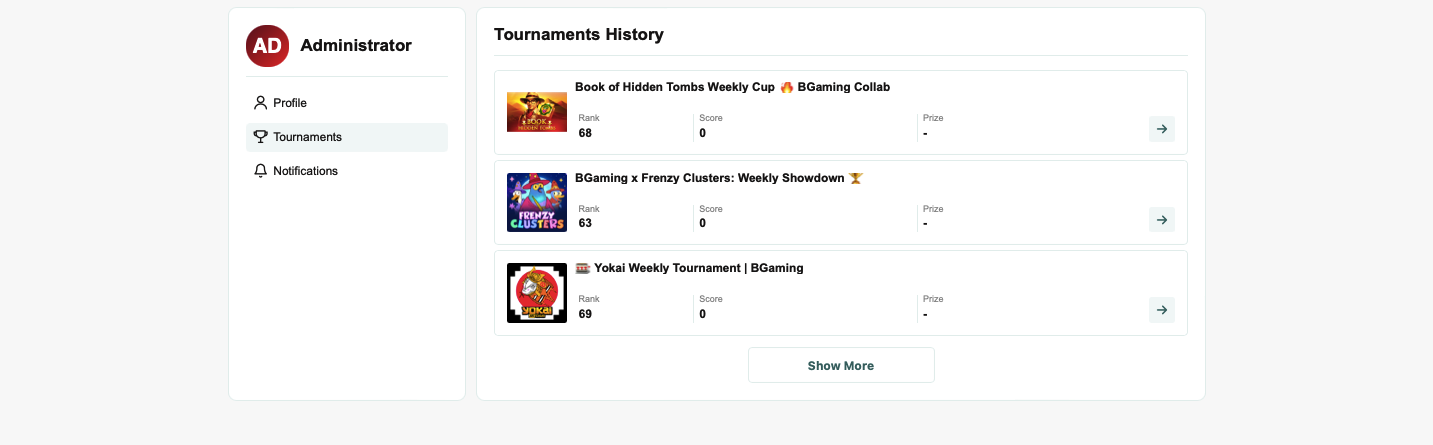
The new Tournaments section keeps a record of completed CasinoCanada tournaments you've participated in.
For each tournament, you can see:
- Your final rank
- Your score
- The prize you received, if applicable
- The tournament and featured game
The most recent tournaments appear first, and you can open an individual tournament to see its full page again.
This is particularly useful now that CasinoCanada runs daily, weekly, and monthly social slot tournaments. Instead of treating each competition as a one-off event, registered users can start building an actual history of their participation.
If you haven't completed a tournament yet, the account links you straight to the active competitions.
Keep notifications in one place
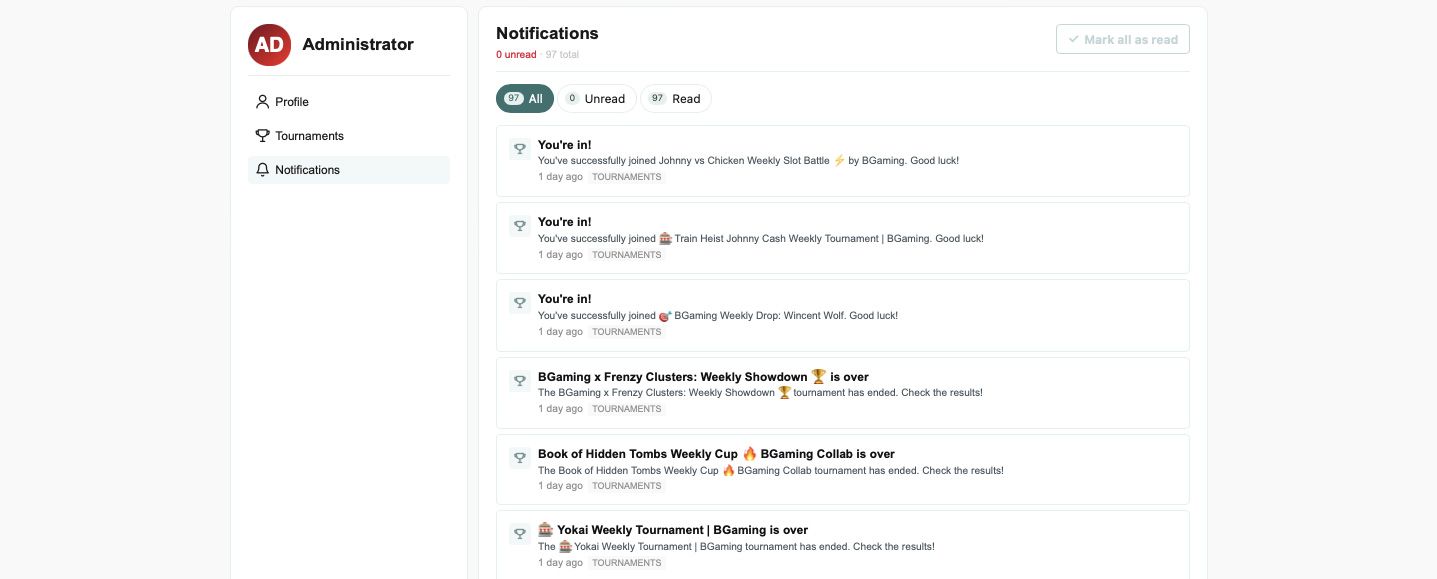
We've also added a dedicated Notifications section.
It brings account and community updates into a single list, with separate views for all, unread, and read notifications. You can see how many new notifications you have and mark everything as read in one click.
The system is connected to CasinoCanada's community features, so notifications can include events such as someone replying to your post, mentioning your username, or a moderator approving your post or discussion.
Clicking a relevant notification takes you directly to the discussion or post it relates to, rather than making you search for it manually.
Read notifications remain available for a limited period before being cleared automatically, keeping the list focused on recent activity.
Built for desktop and mobile
My Account follows the same structure on both desktop and mobile, but the navigation adapts to the screen.
Desktop users get a side menu for Profile, Tournaments, and Notifications. On mobile, the same sections appear as horizontal tabs, making the account easier to navigate without squeezing a desktop layout onto a smaller screen.
Your account avatar also now appears in the CasinoCanada header when you're logged in, giving you direct access to My Account and the sign-out option.
Why we built it
Earlier this year, we wrote about moving CasinoCanada beyond the traditional affiliate model of casino lists, bonus tables, and one-time search visits.
The redesigned homepage, rebuilt bonus section, exclusive offers, and free social tournaments were all part of that shift.
My Account is another piece of the same product direction.
As CasinoCanada adds more features that people can actually use, registration needs to offer more than access to a single page. Users need somewhere to manage those features, see their activity, and pick up where they left off.
That's what My Account is designed to do.
Log in to CasinoCanada to access your profile, tournament history, and notifications.